Getting started
The initial setup takes a few minutes. Once your account and bags are saved, normal use starts on the Wind tab.
Install and open the app
Download Clash Caddie from the App Store, open it and allow notifications if you want to see the selected club adjustment after switching back to Golf Clash.
Create your first setup
- Open Accounts
The Accounts tab is selected automatically when there are no saved accounts.
- Add your Golf Clash account
Tap the add button, give the account a recognisable name and set each club to its current level.
- Create a bag
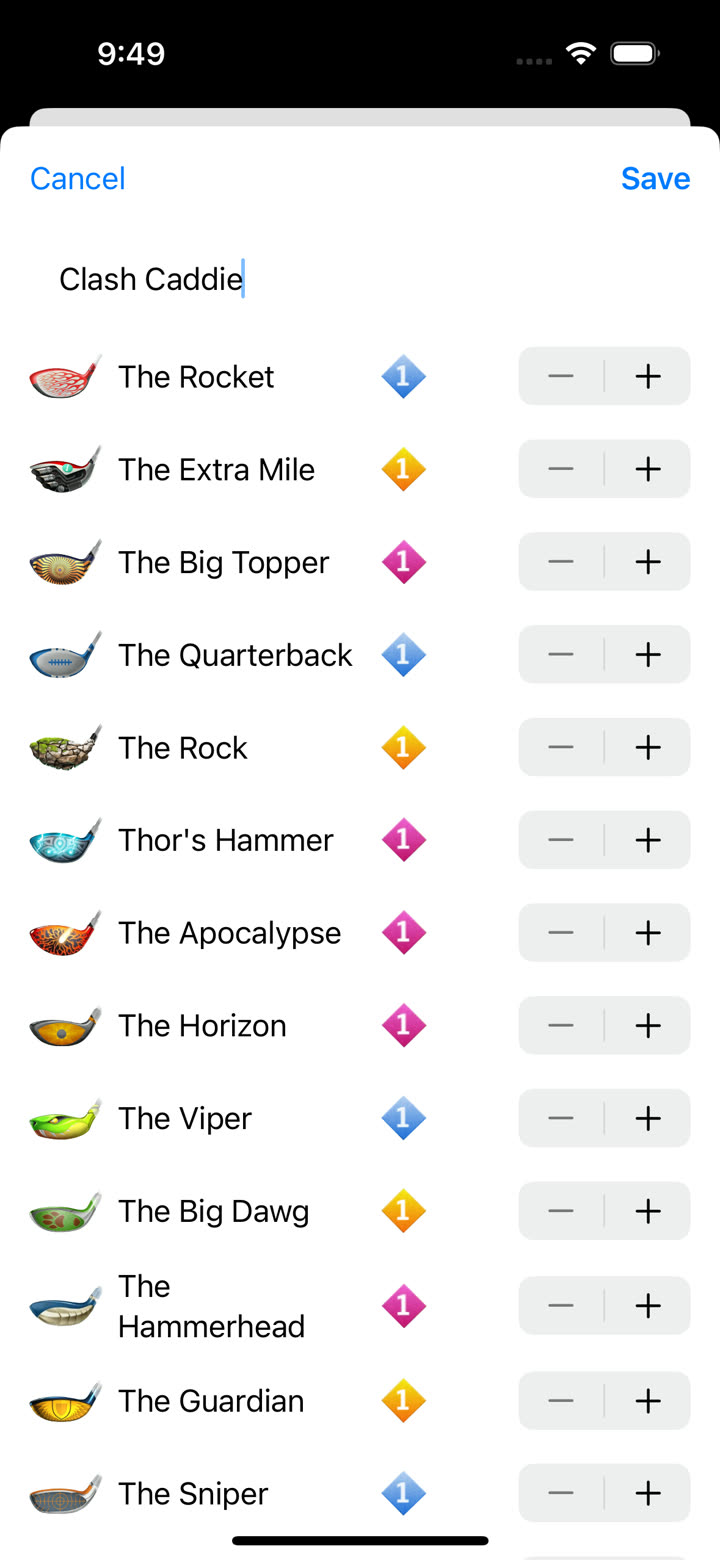
Open the account actions, choose Add bag, name it and select one club for each club type.
- Open Wind
Move to the Wind tab, open the account and bag selector, then choose the bag you just created.
Learn the basic shot flow
- Enter the wind shown in Golf Clash.
- Set the elevation with the elevation controls.
- Select the club you are using.
- Move the slider to the correct club distance.
- Read the resulting ring adjustment.
Continue with Accounts and bags for the full setup workflow.