Clash Caddie for Android
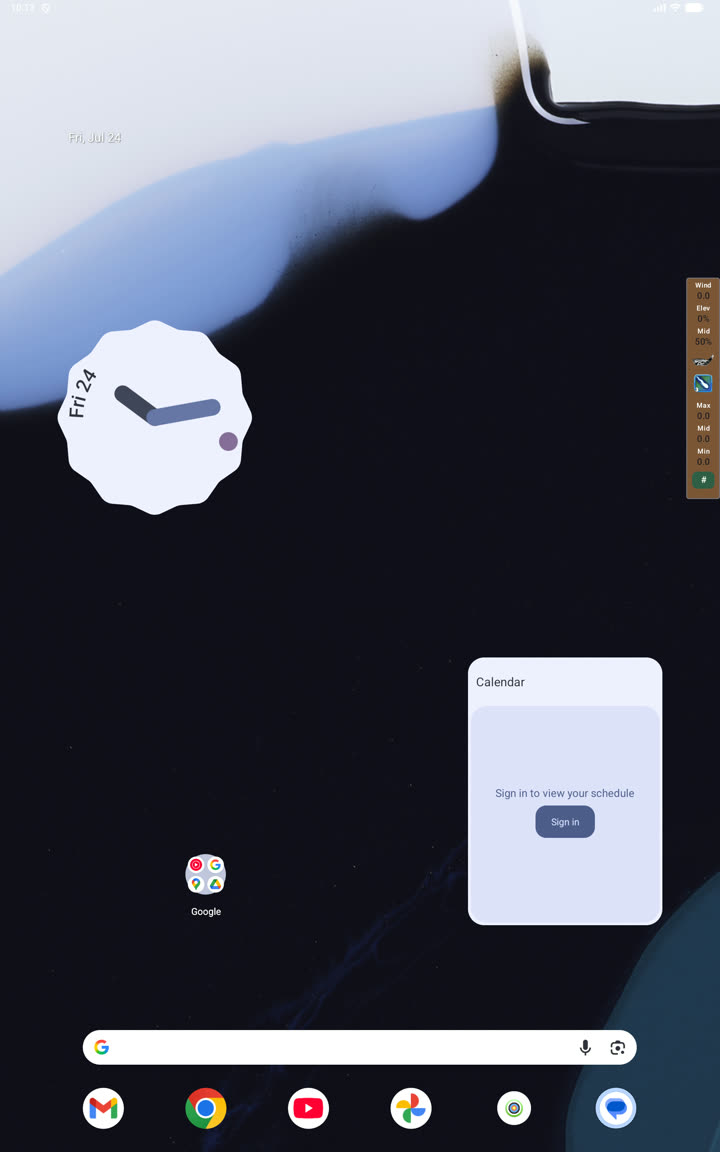
Clash Caddie for Android runs as an on-screen companion while you play. Its overlay combines quick wind entry, club adjustments, powerballs and optional grid lines.
What you can do
- Save accounts and club levels.
- Start a movable input and ring-adjustment overlay.
- Enter wind, elevation, slider position and powerball values.
- Switch the overlay side, alignment, size and opacity.
- Configure basic grid lines.
- Create programmable advanced grids with import and export.
- Export and restore an account backup.
- Change the app's colour theme.