Accounts and clubs
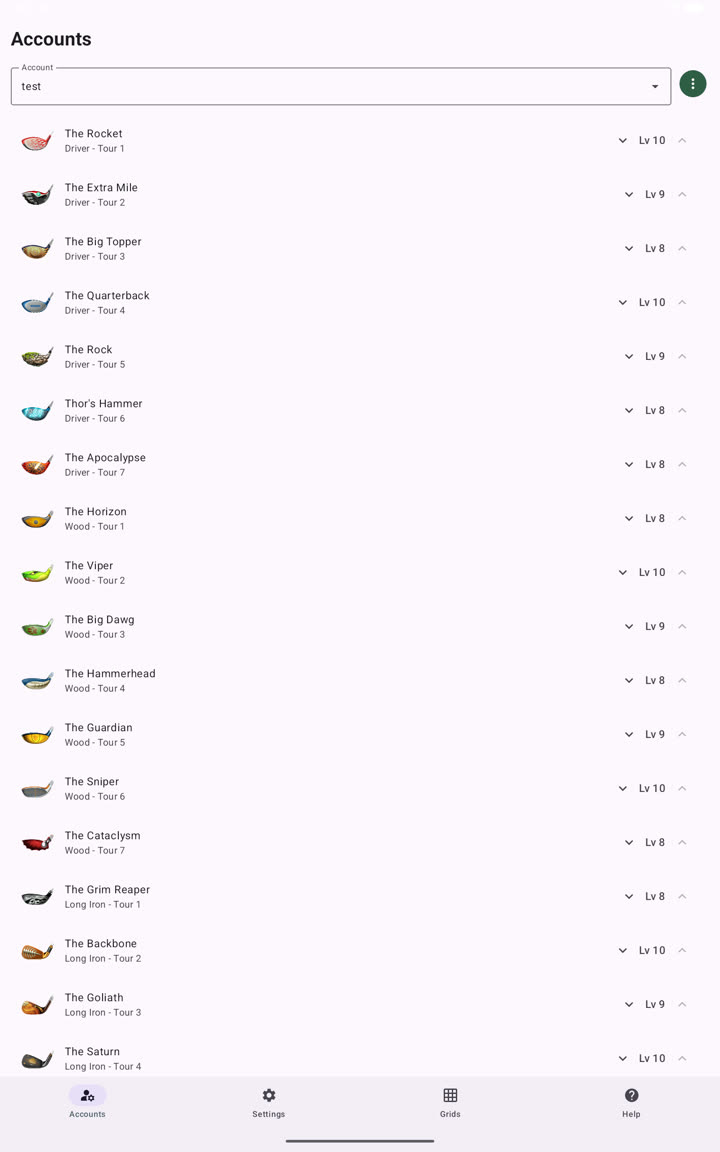
Each Clash Caddie account stores a complete set of club levels. The selected account supplies the clubs used by the wind overlay.
Add an account
- Open Accounts from the bottom navigation.
- Open the account selector and choose Add.
- Enter a name and save.
- Use the increase and decrease controls beside each club to match its Golf Clash level.
Account actions
Open the more-options menu beside the selected account to:
- add another account;
- rename the account;
- duplicate it;
- set every club to its maximum level;
- delete it.
Select the active account
Use the account selector at the top of Accounts. The overlay reads clubs from the active account.
Back up your accounts
Use the export function under Settings → Accounts backup after completing setup. See Account backup before importing a file.