
Basic grids
Basic grids provide quick horizontal or vertical reference lines without writing grid code.
Open grid configuration
- Start the Clash Caddie overlay.
- Open its control menu.
- Choose the grid configuration action.
- Add the horizontal and vertical lines you need.
- Save the configuration.
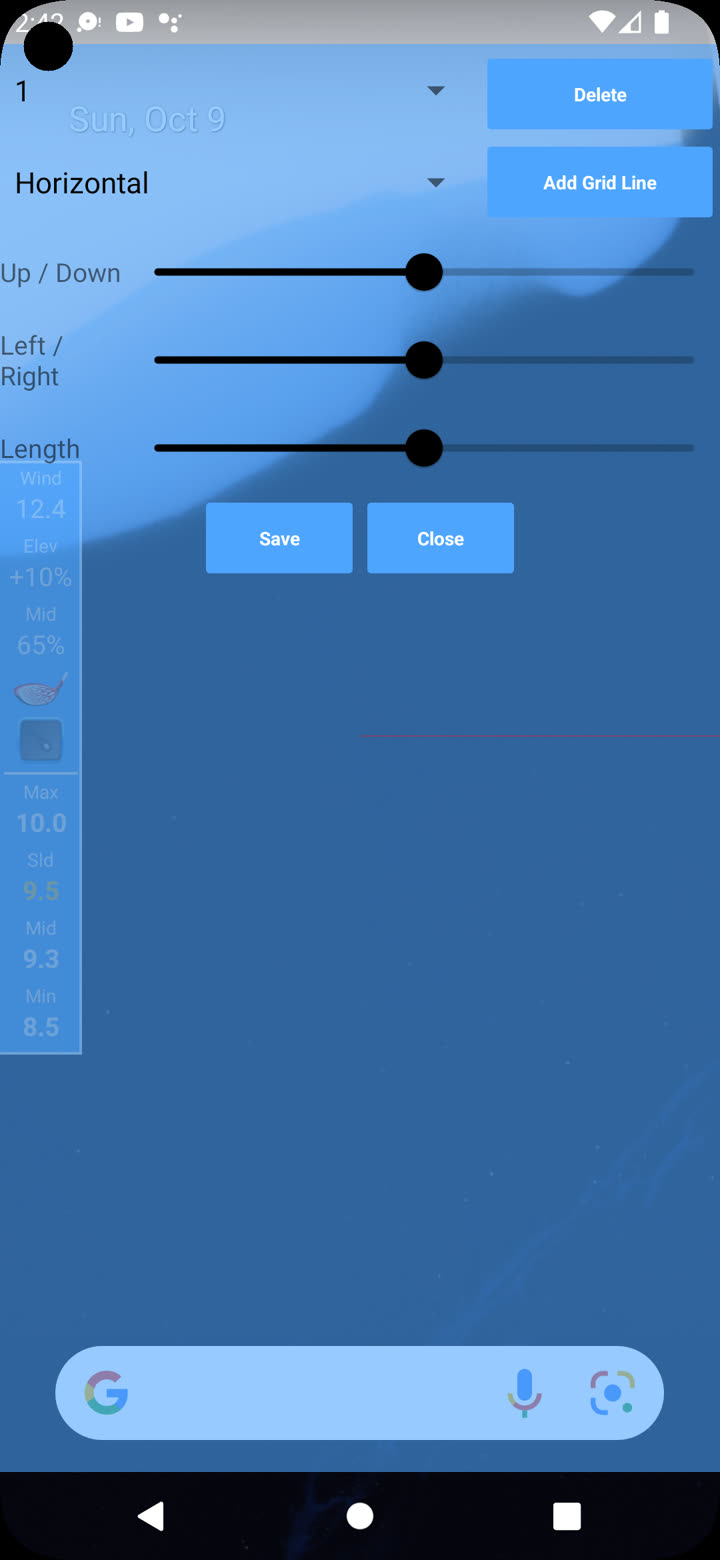
Configure a line
Use the available controls to set the line direction and offset. The offset moves a line away from its reference edge. Add only the lines you need so the aiming view stays readable.
Show and hide grids
Use the grid button on the compact overlay to toggle the saved grid. Turning the grid off does not delete its configuration.
When to use advanced grids
Use Advanced grids when you need:
- named reusable grid presets;
- repeated ruler marks;
- labels and custom colours;
- circles, rectangles or point-to-point lines;
- import and export as plain text.