Accounts and bags
An account stores the level of every club. A bag belongs to an account and chooses the clubs you want available on the Wind screen.
Add an account
- Tap the add button
Use the add control in the upper-left corner of Accounts. Enable Max level if you want every club created at its maximum level.
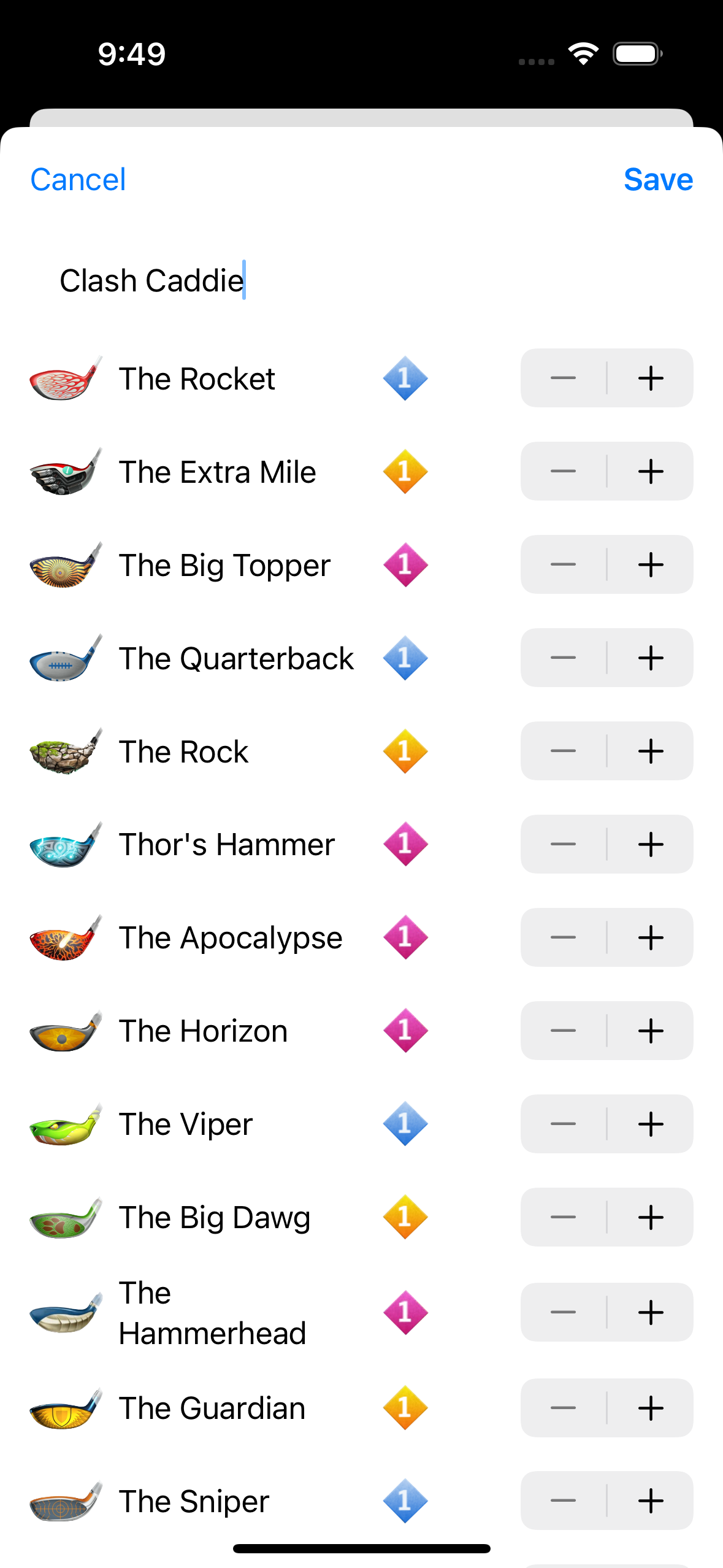
- Name the account
Use a name that makes sense when you switch bags during play.
- Set club levels
Review each club and match its level to the account in Golf Clash, then tap Save.
Manage an account
Long-press the account header to open its actions. From there you can edit the account, add a bag, reorder bags or remove the account.
Add and edit bags
- Long-press the account and choose Add bag.
- Enter a bag name.
- Enable the club you use for each club type.
- Tap Save.
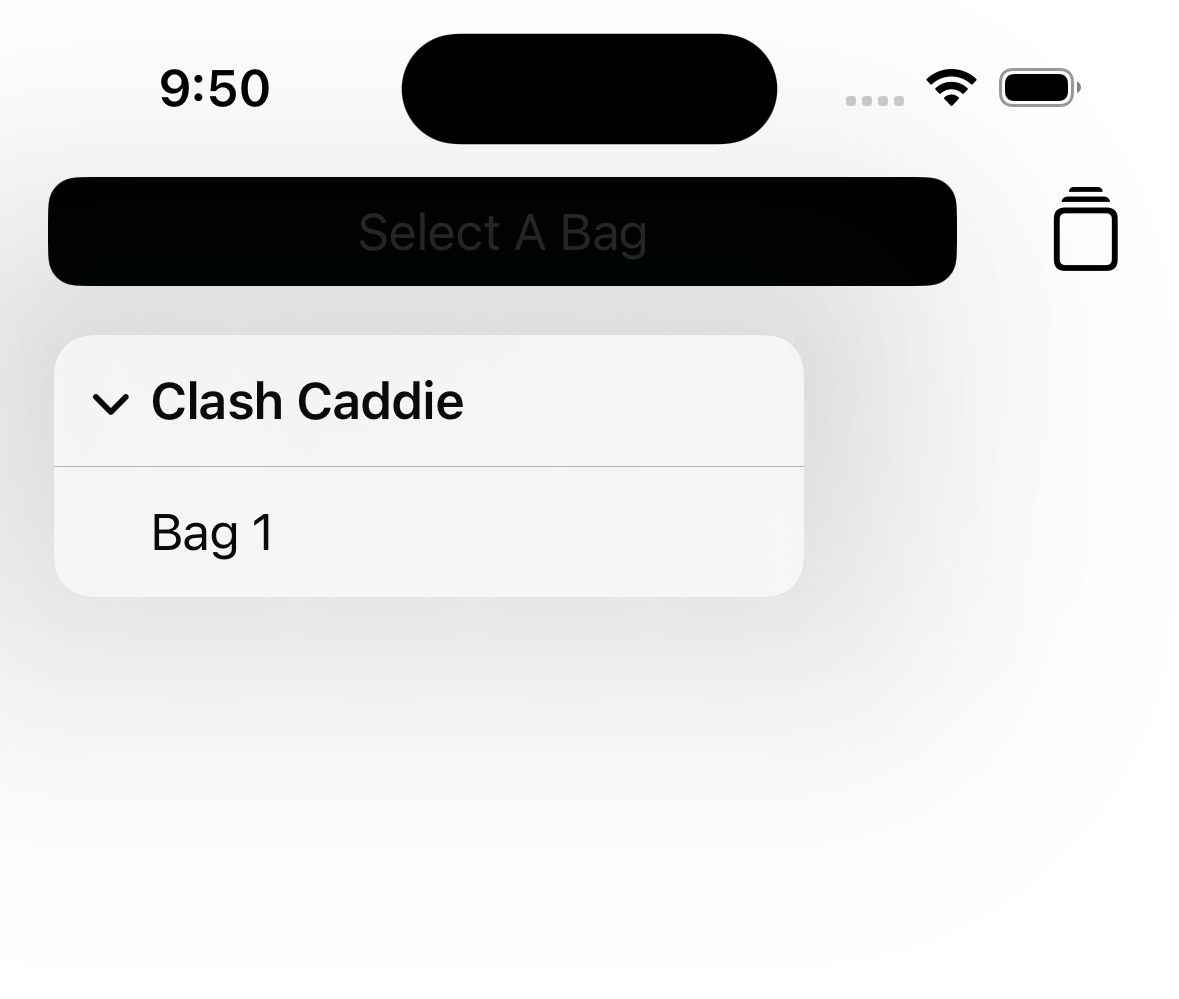
The new bag appears under its account and in the selector on the Wind screen. An account without a bag does not appear in that selector.
Keep club levels current
When a club is upgraded in Golf Clash, edit the account rather than each bag. Every bag in that account inherits the updated club level.